The Developer's Guide to AI IDEs: Choosing Your Coding Assistant in 2026
A practical breakdown of AI-powered IDEs and coding assistants. We compare VS Code + Copilot, JetBrains AI, Cursor, and emerging agent harnesses to help you choose the right tool for your engineering workflow.
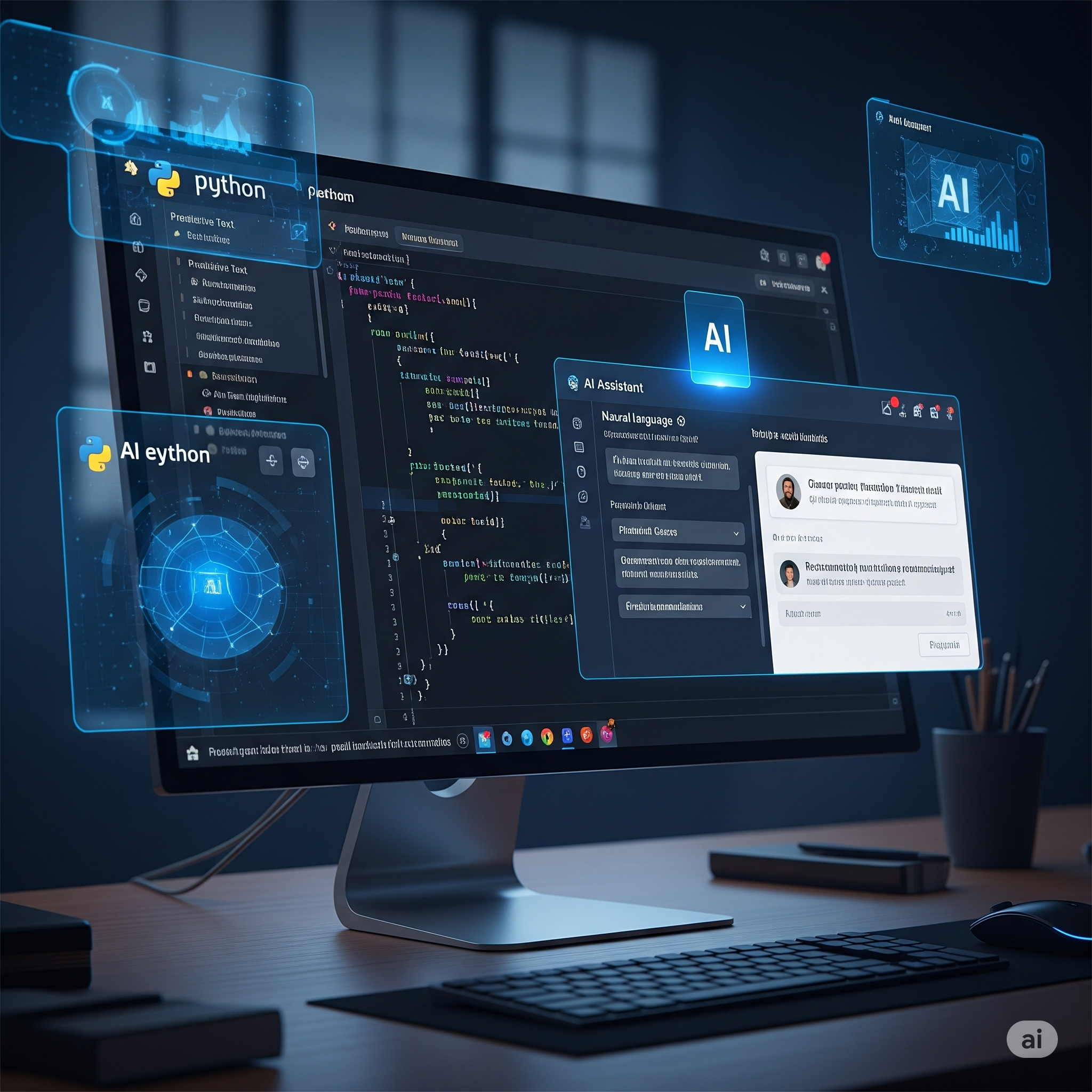
AI coding tools have moved rapidly from experimental novelties to daily engineering staples. Whether generating boilerplate, navigating unfamiliar codebases, or writing integration tests, modern developers increasingly work alongside AI assistants.
However, the ecosystem is crowded and noisy. Tools range from simple inline tab-completions to full codebase indexing editors and autonomous terminal-based agents. In this guide, we break down the leading AI-enabled development environments, their pricing models, strengths, and practical limitations.
1. The Landscape: Plugin Extensions vs. AI-Native Editors
The market is broadly divided into two architectural approaches:
- Extension Models (VS Code, JetBrains): Standard, highly extensible editors where AI capability is added through plugins (GitHub Copilot, JetBrains AI Assistant, Codeium).
- AI-Native Forks (Cursor, Windsurf): Specialized IDEs built from the ground up to index entire repositories, track file dependencies, and enable inline multi-file refactoring.
2. Deep Dive: Leading AI Development Tools
Microsoft VS Code + GitHub Copilot
Visual Studio Code remains the default editor for millions of developers worldwide. Its massive extension ecosystem, rock-solid remote development tools, and built-in Git integrations make it hard to beat for general-purpose engineering.
- How Copilot Works: Copilot is embedded into VS Code with inline completions, multi-turn chat, and agentic workspace commands (e.g.
@workspace,@terminal). It routes queries to frontier models from Anthropic (Claude 3.7 Sonnet), OpenAI (GPT-4o, o3-mini), and Google (Gemini). - Core Strengths: Familiar interface, zero lock-in, reliable performance, and predictable flat-rate monthly pricing.
- Pricing: VS Code is open source and free. Copilot Pro starts at $10/month for individuals, with Business/Enterprise plans at $19–$39/user/month adding intellectual property indemnity and organizational audit logs.
JetBrains Suite + JetBrains AI Assistant
For engineers working with large enterprise codebases in Java/Kotlin (IntelliJ IDEA), Python (PyCharm), or PHP (PhpStorm), JetBrains offers deep static analysis and refactoring capabilities.
- How AI Assistant Works: JetBrains uses its existing Project Object Model (PSI) to supply the LLM with deep structural awareness of classes, types, and method signatures before prompting.
- Core Strengths: Deep language intelligence, accurate syntax refactoring, and strict enterprise privacy guardrails.
- Pricing: JetBrains uses a dual subscription: the base IDE license plus the AI Assistant add-on (~$10–$20/month per developer).
Cursor: The AI-First Editor
Cursor is a dedicated fork of VS Code engineered specifically for AI-native workflows.
- How Cursor Works: Cursor maintains a live vector index of your entire codebase. When you invoke Composer (
Cmd + I) or inline edits (Cmd + K), it analyzes relevant dependencies across multiple files simultaneously. - Core Strengths: Outstanding multi-file code generation, live repo indexing, and seamless switching between frontier models (Claude 3.7 Sonnet, GPT-4o, DeepSeek R1).
- Pricing: Free tier with limited queries; Pro plan at $20/month includes high-speed fast requests, with usage-based billing beyond quota.
3. Direct Feature & Workflow Comparison
| Capability | VS Code + GitHub Copilot | JetBrains + AI Assistant | Cursor |
|---|---|---|---|
| Codebase-Wide Indexing | Partial (via @workspace) | Deep AST indexing | Full continuous vector index |
| Multi-File Generation | Available via Agent mode | File-by-file refactoring | Native (Composer multi-file diff) |
| Model Selection | Claude 3.7, GPT-4o, Gemini | JetBrains internal + OpenAI | Claude 3.7, GPT-4o, DeepSeek R1 |
| Terminal Integration | Yes (natural language shell) | Yes | Yes (integrated terminal agent) |
| License & Ecosystem | Open extension ecosystem | Proprietary enterprise IDE | VS Code extension compatible |
4. The Shift Toward Autonomous Terminal Agents
While IDE completions speed up typing, the frontier is shifting toward agentic workflows — autonomous coding agents (such as Antigravity, Claude Code, and Hermes Agent) running inside persistent terminal containers.
Rather than only suggesting inline code snippets, these agents can:
- Run local test suites and inspect stderr output.
- Read project documentation and execute build scripts.
- Automatically patch syntax errors and verify working artifacts before requesting review.
5. Summary: Which Tool Fits Your Workflow?
- Choose VS Code + Copilot if you want a reliable, cost-effective daily driver with an enormous plugin ecosystem and predictable flat-rate billing.
- Choose Cursor if your priority is rapid multi-file refactoring, cutting-edge model flexibility, and deep codebase context.
- Choose JetBrains if you manage large, strictly-typed enterprise systems where deep static code analysis and AST refactoring are non-negotiable.
- Pair with Autonomous Agents (like Hermes / Antigravity) when you need background task execution, automated test fixing, and repository maintenance.
Related Insights

Arkitektura e Agjentëve Autonomë në Prodhim: Si të Ndërtoni Sisteme me Model Context Protocol (MCP) dhe Multi-Agent Workflows në 2026
Udhërrëfyesi teknik dhe arkitekturor mbi ndërtimin e agjentëve autonomë të IA-së në prodhim. Si të përdorni Model Context Protocol (MCP), menaxhimin e gjendjes dhe integrimet e sigurta për ndërmarrjet moderne.

Arkitektura e Kërkimit Hibrid Semantik dhe Leksikal me PostgreSQL pgvector dhe Next.js 16: Përshtatja për Gjuhën Shqipe dhe E-Commerce me Shpejtësi Nën-50ms
Si të ndërtohet një motor kërkimi hibrid nën-50ms me pgvector, BM25 dhe Reciprocal Rank Fusion (RRF) në Next.js 16, i optimizuar për specifikat morfologjike të gjuhës shqipe dhe katalogët e-commerce në Kosovë.

Infrastruktura e Sigurt e Pagesave Digjitale në Kosovë: Integrimi i NestPay (BKT, TEB, NLB), Stripe dhe 3D Secure 2.2 me Next.js 16
Udhërrëfyes i plotë inxhinierik për integrimin e pagesave me kartelë në Kosovë dhe rajon: Arkitektura e NestPay (BKT/TEB/NLB), Stripe Checkout, standardi 3D Secure 2.2, Idempotency Keys dhe Webhook reconciliation me Next.js 16 dhe PostgreSQL.